
So you sent a message you immediately regretted. Maybe it was a typo. Maybe it was a 2am text to your ex. Maybe you just hit send too fast on something that shouldn’t have been said at all.
Good news and bad news.
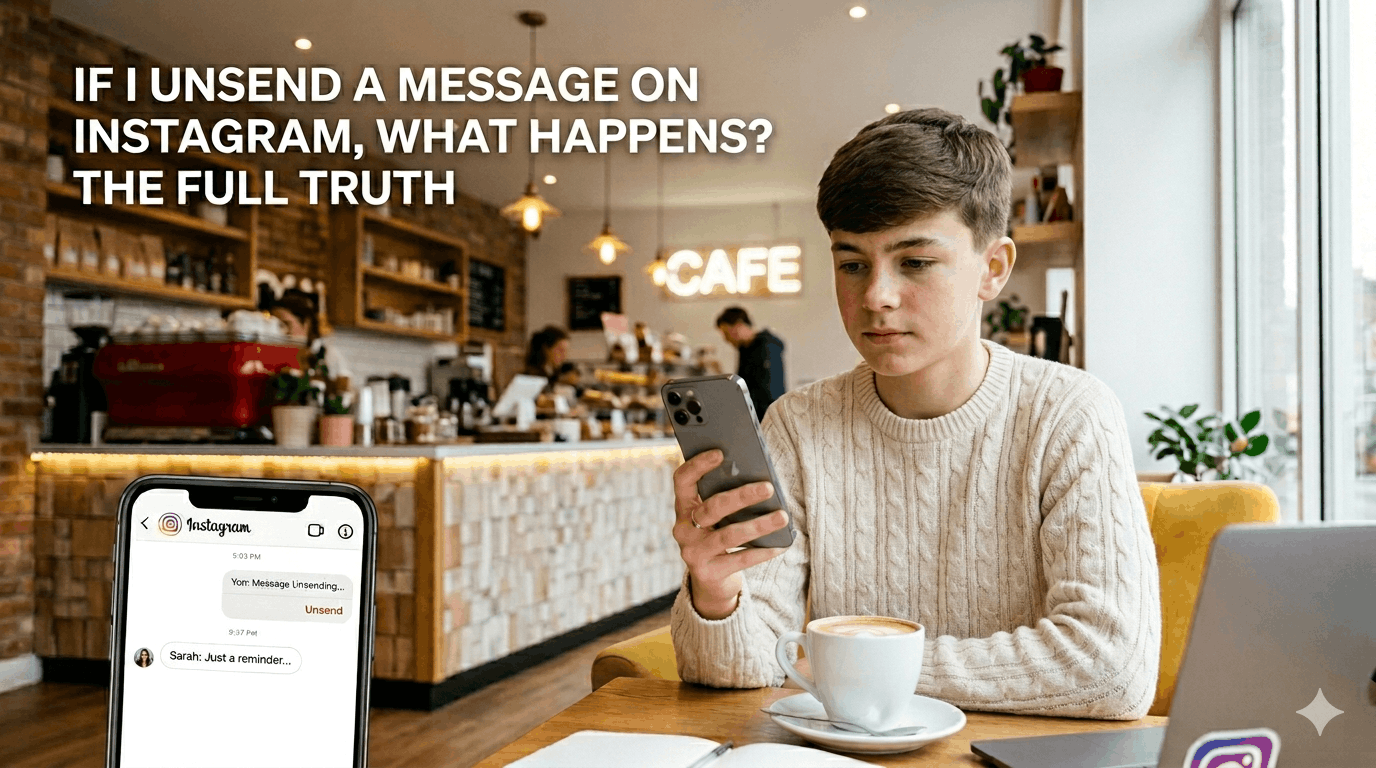
Unsend a Message on Instagram
Quick Answer: Can You Unsend Instagram Messages?
Yes, you can unsend Instagram messages. ✅
Tap and hold the message, hit “Unsend,” and it vanishes from the chat. Yours and theirs. But “vanish” is doing a lot of heavy lifting in that sentence.
What actually happens when you unsend a DM 🔍
The message disappears from the conversation thread on both sides. Instagram removes it for everyone in the chat, not just you. So yes, if the other person goes back to scroll through your DMs, the message won’t be there.
That part works exactly as advertised.
Here’s where it gets complicated.
The notification problem 🔔
If the other person had push notifications on when you sent the message, there’s a solid chance they already read it. Instagram sends a preview in the notification before you can unsend anything.
There’s no way around this. You’d have to unsend faster than they can glance at their lock screen. Good luck with that.
Did they screenshot it? 📸
Instagram doesn’t notify you when someone screenshots a DM (unlike Stories). So if they captured it before you unsent, you’d never know. The message is gone from Instagram. It’s alive in their camera roll.
What about Instagram’s own data? 🗄️
This one most people don’t think about. Under Instagram’s data policy, your messages may be retained on their servers even after you delete them from the chat view. If someone files a legal request or law enforcement gets involved, deleted messages can potentially be recovered.
Unsending removes the message from the conversation UI. It doesn’t necessarily wipe it from existence.
Does unsending notify the other person? 👀
Instagram doesn’t send a push notification that says “they unsent a message.” But there’s a catch: if the other person has the chat open at that exact moment, they might see the message disappear in real time. It just blinks out. That’s noticeable.
And honestly, a mysteriously absent message is sometimes worse than the original one.
How to unsend an Instagram message (step by step) 📱
- Open the conversation in Instagram DMs
- Tap and hold the message you want to delete
- Tap “Unsend” from the menu that appears
- Confirm if prompted
Works on both iOS and Android. Works on desktop too, same hold-and-click mechanic.
You can unsend any message you’ve sent, no matter how old. There’s no time limit.
Can you unsend messages in group chats? 👥
Yes. Same process. Tap and hold, hit Unsend. It removes the message for everyone in the group.
Same caveats apply. If anyone had notifications on or saw it before you acted, it’s already out there.
What you actually can’t undo ⚠️
- A notification preview they already saw 👁️
- A screenshot they already took 📷
- The fact that they read it before you unsent it
- Any data Instagram may retain on their end
Unsending is a UI action. It cleans up the visible conversation. It can’t reach into someone’s phone or memory.
Also Read: What Instagram Emojis Really Mean
The honest answer
If you sent something and immediately unsent it before they opened the app, you’re probably fine. The message is gone and they’ll never know.
If there’s any chance they saw it, already got the notification, or had the chat open? Unsending is more about tidying up than actually taking something back.
The feature works. Just know what it actually does.
FAQs: Unsending Instagram Messages
Does unsending a message on Instagram delete it for both people?
Yes. When you unsend a message, it disappears from both sides of the conversation. 👥
Can the other person still see an unsent message?
Only if they already read it, got a notification preview, or screenshotted it before you unsent. ⚡
Does Instagram notify someone when you unsend a message?
No push notification goes out. But if they had the chat open at that moment, they may see it disappear. 👀
Is there a time limit to unsend Instagram messages?
No. You can unsend any message you’ve sent, regardless of how long ago you sent it. ⏳
Can you unsend messages in Instagram group chats?
Yes. Tap and hold the message, hit Unsend. It’s removed for everyone in the group. 👥
Does Instagram save unsent messages on their servers?
Possibly. Unsending removes the message from the chat view, but Instagram’s data policy allows for server-side retention. 🗄️
Can you unsend a voice message on Instagram?
Yes. Same process as a regular message. Tap and hold, then hit Unsend. 🎙️
What happens if someone screenshots a DM before you unsend it?
Instagram doesn’t notify you about DM screenshots. If they captured it first, you’d never know. 📸
Can you tell if someone unsent a message to you on Instagram?
No notification is sent. The message just disappears from the thread. 🕵️
Does unsending a message on Instagram delete it from their phone?
Only from the Instagram app. If they screenshotted it or it appeared in a notification preview, copies may still exist outside the app. 📱
COMMENTS