
Pinterest is more than just a platform for collecting recipes and home décor ideas — it is a thriving social network with over 500 million monthly active users. Whether you are looking to reconnect with old friends, follow your favorite creators, or discover new people who share your passions, knowing how to find people on Pinterest makes the experience far richer.
Quick Answer: Want to find people on Pinterest? It is easier than you think: 1) Head to the search bar and type in someone’s name or username, 2) Syncing contacts from email/Facebook, 3) You can use “Find friends” feature, 4) Searching by interests/boards, or 5) Checking mutual connections’ followers.
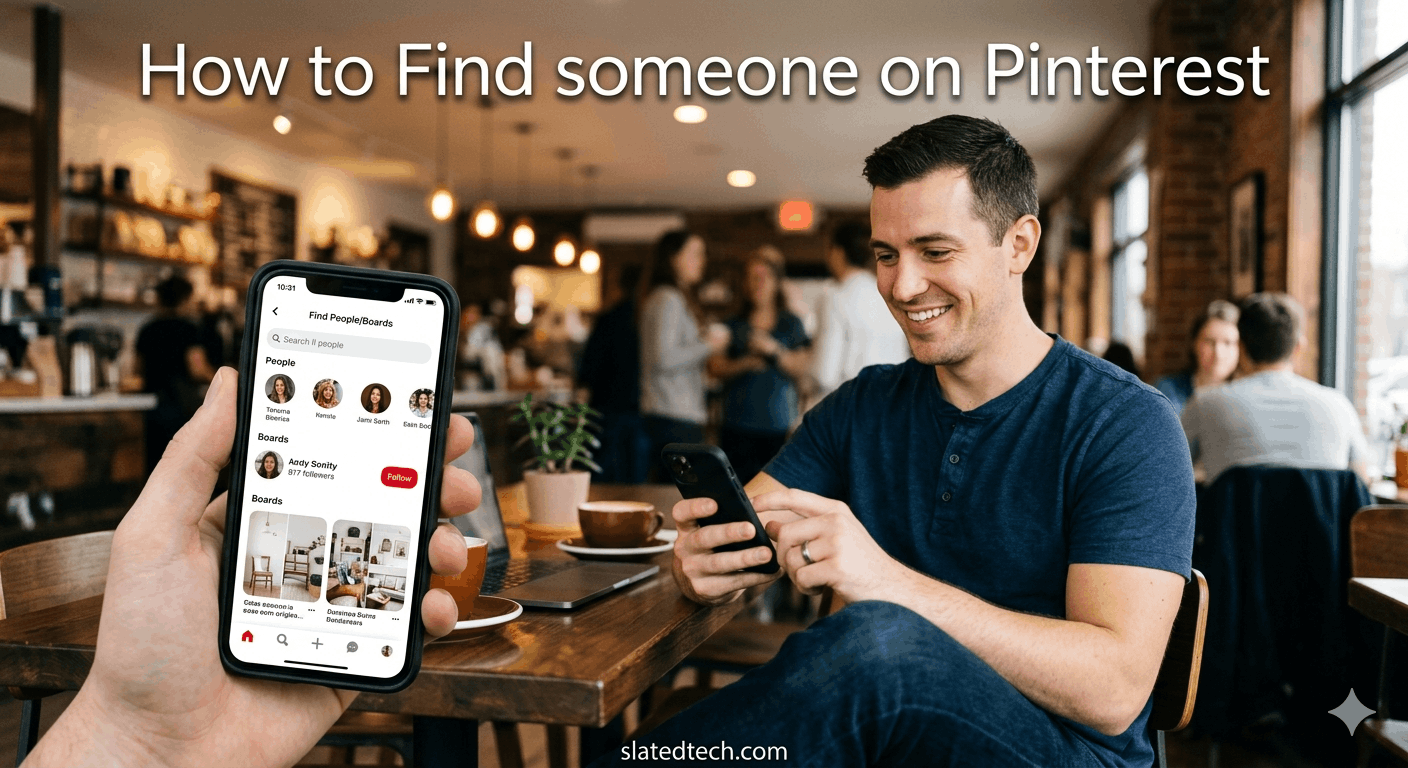
How to Find someone on Pinterest
In this guide, we walk you through 7 easy, proven ways to find friends and creators on Pinterest — including how to find Facebook friends on Pinterest using the built-in sync feature. Let’s dive in.
1. Search by Name or Username in the Search Bar
The simplest answer to how to find people on Pinterest is right at the top of the app: the search bar. Pinterest’s search functionality lets you look up anyone by their real name, display name, or username.
- Open the Pinterest app or go to pinterest.com.
- Tap or click the search icon at the top of the page.
- Type the person’s name or @username into the search field.
- Filter the results by selecting “People” to narrow down profiles.
Pro tip: If you know someone’s exact username, searching with the @ symbol (e.g., @janedoe) will surface their profile immediately. This works especially well when you already follow them on another platform.
2. How to Find Facebook Friends on Pinterest Using Account Sync
One of the most powerful — and underused — features is the ability to connect your Facebook account to Pinterest. This is the fastest way to learn how to find Facebook friends on Pinterest without manually searching for each person.
- Go to your Pinterest profile and open Settings.
- Select “Linked accounts” or “Social accounts.”
- Click “Connect” next to Facebook and log in.
- Pinterest will automatically suggest Facebook friends who are already on Pinterest.
This is by far the most efficient method for how to find Facebook friends on Pinterest in bulk. Once synced, Pinterest curates a list of people you may know, saving you hours of manual searching.
3. Use the “Find Friends” Feature
Pinterest has a dedicated “Find friends” section built right into the app. This feature consolidates suggestions from multiple sources — including your contacts — making it a one-stop solution for how to find people on Pinterest.
- Tap your profile photo to open your profile.
- Tap the menu icon (three lines) and select “Find friends.”
- Browse the list of suggested users and follow anyone you recognize.
Pinterest continuously updates these suggestions based on your activity, boards, and mutual connections, so check back regularly for new recommendations.
4. Sync Your Email Contacts to Find Friends
If your friends are not on Facebook or you prefer to keep those accounts separate, syncing your phone’s email contacts is another excellent way to find people on Pinterest.
- Open the Pinterest app on your mobile device.
- Go to your profile, tap the menu, and select “Find friends.”
- Tap “Contacts” and grant Pinterest permission to access your contacts.
- Pinterest will match email addresses to existing accounts and display profiles.
This method is particularly helpful for finding colleagues, family members, or anyone whose email you already have but who may not be connected to you on social media.
5. Search by Interests, Topics, or Board Names
When you are trying to discover new creators rather than reconnecting with people you know, searching by topic is one of the best strategies for how to find people on Pinterest who share your passions.
- Search for a topic (e.g., “watercolor painting” or “vegan recipes”).
- Browse pins in the results and tap a pin to visit the creator’s profile.
- Click “Follow” on profiles you find inspiring or interesting.
You can also search for specific board names. For example, searching “minimalist interior design boards” will surface curated collections from creators who are deeply invested in that niche.
6. Check Followers and Following Lists of Mutual Connections
The follower and following lists on Pinterest profiles are publicly visible, making them a goldmine for discovering new people. This is a classic social network strategy that works just as well when you want to find people on Pinterest.
- Visit the profile of someone you already follow.
- Click on their “Followers” or “Following” count.
- Browse the list for people you recognize or profiles that look interesting.
- Follow anyone whose boards align with your interests.
This method is especially effective for building a curated feed of creators and influencers in specific niches like fashion, fitness, DIY, or travel.
7. Connect Your Google Account for More Suggestions
Similar to the Facebook sync method, connecting your Google account is another reliable way to find people on Pinterest who are already in your broader network.
- Go to Settings and select “Linked accounts.”
- Click “Connect” next to Google and sign in.
- Pinterest cross-references your Google contacts with registered Pinterest accounts.
Linking multiple accounts — Facebook, Google, and email contacts — gives Pinterest the most data to work with and results in the most comprehensive friend suggestions.
Bonus Tips for Finding More People on Pinterest
- Share your Pinterest profile link on other social media platforms like Instagram or Twitter so friends can find and follow you easily.
- Engage with popular pins in your niche — liking and commenting often leads creators to visit your profile in return.
- Use Pinterest’s “More ideas” and “Related pins” sidebar to discover active creators in your favorite categories.
- Participate in group boards — they are a great way to both find people on Pinterest and grow your own audience at the same time.
Also Read: Funniest Subreddits in 2026: 60+ Reddit Communities You Need to Follow
Also Read: Instagram Messages: How to Check Your DMs, Requests, and Hidden Folder
Frequently Asked Questions (FAQs)
Q1: Can I find someone on Pinterest without knowing their username?
Yes! You can search by their full name in the search bar and filter results by “People.” Alternatively, syncing your Facebook or email contacts is the easiest way to find people on Pinterest without needing a username.
Q2: How do I find Facebook friends on Pinterest?
To find Facebook friends on Pinterest, go to Settings > Linked accounts and connect your Facebook profile. Pinterest will then display a list of your Facebook friends who already have Pinterest accounts. This is the fastest and most reliable method for how to find Facebook friends on Pinterest in one go.
Q3: Is it possible to find someone’s Pinterest profile from their email address?
Pinterest does not support direct email searches in the search bar. However, if you sync your contacts (which contain their email), Pinterest will match that email to their registered account and suggest them as someone you may know.
Q4: Can I find people on Pinterest anonymously?
Yes. Browsing and searching profiles on Pinterest does not notify the other person. You can view public profiles, boards, and pins without the account owner knowing — unless you follow them, which does generate a notification.
Q5: Why can’t I find my friend on Pinterest even after searching?
There are a few possible reasons: their account may be set to private, they may be using a different name than you expect, or they may not have a Pinterest account at all. Try syncing your Facebook or email contacts — this often surfaces accounts that don’t appear in regular searches.
Q6: Does Pinterest show you who viewed your profile?
No, Pinterest does not currently show who has visited your profile. You can only see followers and engagement metrics on your pins (such as saves and clicks), but not a list of profile visitors.
Q7: How do I find popular creators to follow on Pinterest?
The best ways to find popular creators are: searching for topics you love and clicking through to the profiles of pinners whose content resonates with you, browsing the followers of accounts you admire, or exploring Pinterest’s “Popular” and “Trending” sections for high-engagement content.
Final Thoughts
Knowing how to find people on Pinterest opens up a whole new dimension of the platform. Whether you use the search bar, sync your social accounts to learn how to find Facebook friends on Pinterest, or discover creators through shared interests — Pinterest gives you plenty of tools to build a meaningful, curated community.
Start with the methods that fit your situation best, and don’t hesitate to combine several of them for the best results. A more connected Pinterest experience leads to better recommendations, more inspiring boards, and a feed you actually love scrolling through.
COMMENTS