
Google asks for your phone number when you sign up for Gmail, and most people just hand it over. They don’t question it. They type in the digits, get the code, move on.
But some people push back. Maybe you’re privacy-conscious. Maybe you don’t want Google tying your phone to your account. Maybe you’re creating a second account and don’t have a spare number lying around.
So: why do you need a phone number for Gmail, and can you actually get around it?
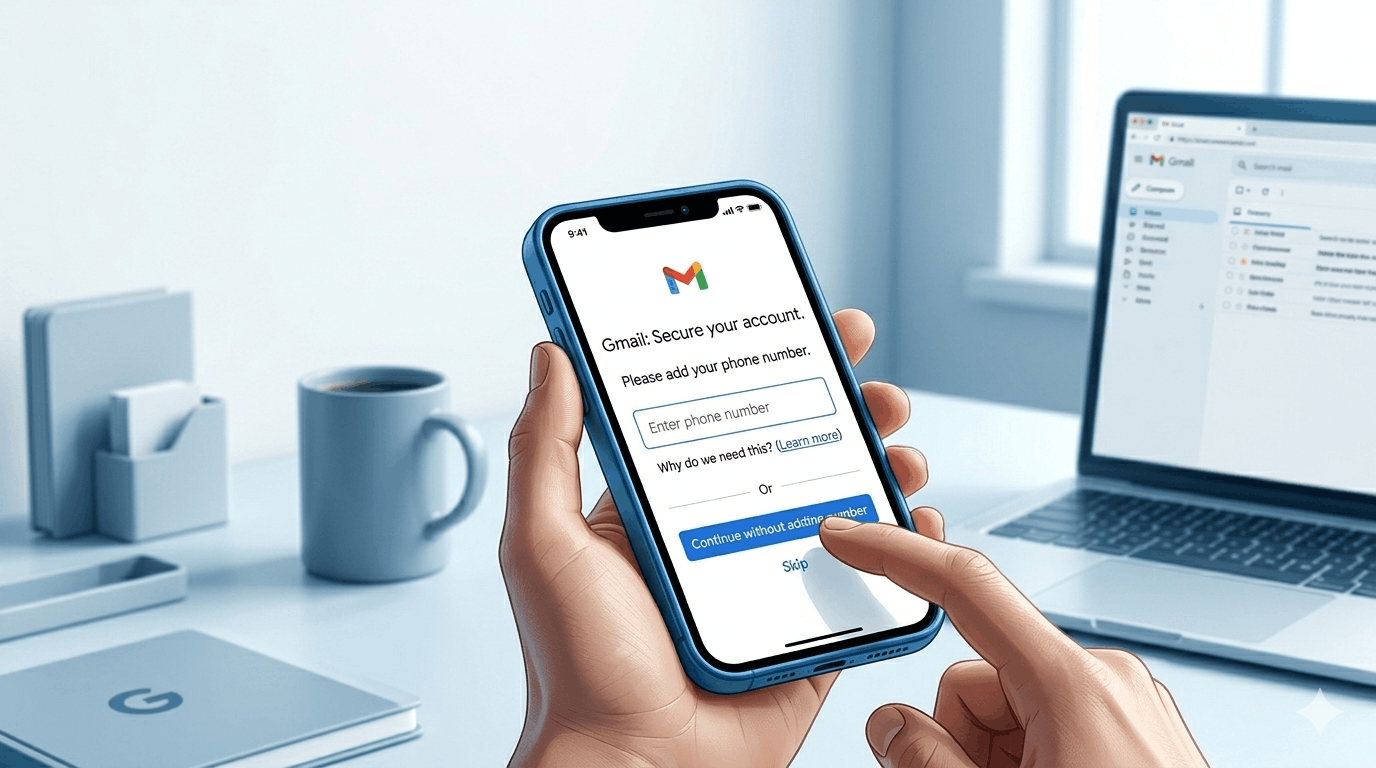
Why do you need a phone number for Gmail
Why do you need a phone number for Gmail? (Quick Answer)
Google uses it to confirm you’re a real person. Their systems run a background risk check when you sign up — if your IP, device, or behavior looks suspicious, they demand a phone number to rule out bots and spam accounts. It’s security theater with a side of identity data collection.
Why Google actually wants your number
The short answer: Google says it’s for security. The longer answer is a bit more complicated.
When you create a Gmail account, Google’s systems run a risk assessment in the background. Your IP address, browser fingerprint, device type, account creation history from that device — all of it feeds into a score. If the score looks suspicious (VPN, public Wi-Fi, a device that’s been used to create 50 accounts), Google decides you’re a bot or a spammer and demands phone verification.
If your score looks clean, you get through without it.
This is why some people create Gmail accounts with zero friction and others hit the phone wall immediately. It’s behavioral, not universal.
Google’s official line is that phone numbers help with account recovery and 2-step verification. That’s true. But the deeper reason why you need a phone number for Gmail in certain cases is that Google is trying to prevent mass account creation. One phone number = one real person, in theory.
What Google does with your number
Google links your phone number to your account. It can use it to:
- Verify your identity if you get locked out
- Send 2FA codes
- Tie it to other Google services (YouTube, Google Pay, Google Maps reviews)
- Use it as an identifier across Google’s ad network
That last one is what bothers privacy-focused users. Your phone number is one of the most reliable cross-platform identifiers that exists. Once Google has it, it’s not just your Gmail account they know about — it’s your full Google footprint.
Can you skip it?
Sometimes. Here’s what actually works.
Try a different network. If you’re on a VPN or a shared IP, turn it off. Create the account from your home network. Google’s risk score often drops enough to skip the phone step entirely.
Use a different device. A fresh browser profile or a device that hasn’t been used to create Google accounts before often gets through without verification. Incognito mode alone won’t do it — incognito still shares your IP.
Just try anyway. The phone screen isn’t always the final word. Some users report clicking through the “skip” option that occasionally appears. It shows up inconsistently, but it’s worth checking before you assume it’s mandatory.
Use a Google Workspace account. If you’re a business owner or have access to Google Workspace, you can create Gmail addresses under a custom domain. Workspace accounts don’t require phone verification the same way personal accounts do. Setup costs money, but it’s an option if you’re managing multiple accounts legitimately.
The virtual number route
This is the most common workaround people search for. Get a virtual phone number, use it to verify Gmail, done.
It works, but less reliably than it used to. Google has gotten good at detecting virtual numbers from services like Google Voice, Burner, and most free SMS apps. If it detects a VoIP or virtual number, it’ll reject it and ask for a “real” mobile number.
Services like TextNow and TextFree get blocked regularly now.
What does sometimes work: temporary SMS services (also called “receive SMS online” sites). These give you a real phone number for a few minutes to receive a verification code. Search for “receive SMS online free” and you’ll find them. The numbers are shared and public, so there’s no privacy — anyone can see the SMS that comes in. But for verification purposes, they can work.
The catch: popular numbers on these services have already been used with Google, and Google blacklists them. You have to cycle through a few numbers before finding one that works.
The real question: do you actually need to skip it?
If you’re asking why do I need a phone number for Gmail because you’re worried about privacy, there’s another angle worth considering.
You can add a phone number for verification and then remove it afterward. Go to your Google account settings, find the phone number under “Personal info,” and delete it. Your account stays active. Google may ask you to re-verify at some point in the future, but you’re not permanently locked into keeping the number attached.
This won’t satisfy everyone. If you don’t want Google having your number even for 5 minutes, that’s a legitimate preference. But if you just don’t want it stored permanently, removal is straightforward.
What Google won’t tell you
The phone requirement is inconsistent by design. Some accounts get created daily from the same IP with no friction. Others hit the wall on the first attempt. Google adjusts the thresholds constantly based on spam patterns they’re seeing.
This is also why the workarounds that worked 6 months ago sometimes stop working. Google updates its detection systems, the community finds new gaps, and the cycle continues.
If you’re hitting the phone wall repeatedly, it’s almost always an IP reputation problem. Changing networks or devices solves it faster than any app or virtual number trick.
Bottom line
Why do you need a phone number for Gmail? Google uses it to verify you’re human, reduce spam account creation, and tie your identity across its services. It’s partly security, partly data collection, partly spam prevention.
You can skip it by creating the account from a clean IP, using a fresh device, or (less reliably) using a temporary SMS number. You can also add your number temporarily and delete it after.
None of these are guaranteed. Google’s systems are adaptive. But if you know why the wall exists, you know which lever to pull.
Also Read: Instagram Messages: How to Check Your DMs, Requests, and Hidden Folder
FAQs
Why do I need a phone number for Gmail if I’ve never needed one before?
Google’s risk score changed. New IP, VPN, shared network, or a device flagged for previous account creation — any of these can trigger the phone requirement on accounts that previously sailed through.
Can I create a Gmail account without a phone number?
Yes, sometimes. Try from a home network on a fresh device. Google doesn’t always require it. If the option to skip appears, take it.
Does Google keep my phone number forever?
Only if you leave it there. You can delete it from your account under Settings > Personal info > Phone. The account stays active after removal.
Will a Google Voice number work for Gmail verification?
Usually not. Google detects VoIP numbers, including its own Google Voice numbers, and rejects them. You need a real mobile number or a temporary SMS service with an unblacklisted number.
Why do I need a phone number for Gmail but my friend didn’t?
Google’s verification isn’t applied to everyone. It’s triggered by risk signals — your IP reputation, device history, network type. Your friend’s setup looked cleaner to Google’s systems.
Can I use the same phone number for multiple Gmail accounts?
Google allows it, but only up to a point. After a few accounts tied to the same number, Google stops accepting it for new verifications. The exact limit isn’t published, but most users hit a wall around 3-4 accounts.
What happens if I skip phone verification and my account gets locked?
Recovery becomes harder. Without a phone number or backup email, regaining access to a locked Gmail account is genuinely difficult. Google’s account recovery process relies heavily on phone verification — so if you skip it upfront, make sure you add a recovery email at minimum.
COMMENTS