
You found a TikTok you want to save. Maybe it’s a recipe, a meme, someone’s outfit. Your finger hovers over the screenshot button — then the paranoia kicks in. Will they know?
Short answer:
No. TikTok does not send a tiktok story screenshot notification. The creator gets nothing. No alert, no read receipt, no awkward moment.
That’s it. That’s the answer most people came here for.
But there’s more to the TikTok privacy picture than a yes/no. DMs, screen recordings, Live videos — each one plays by slightly different rules. So let’s get into it.
Here’s what’s actually going on tiktok story screenshot notification.
The baseline: regular TikTok videos
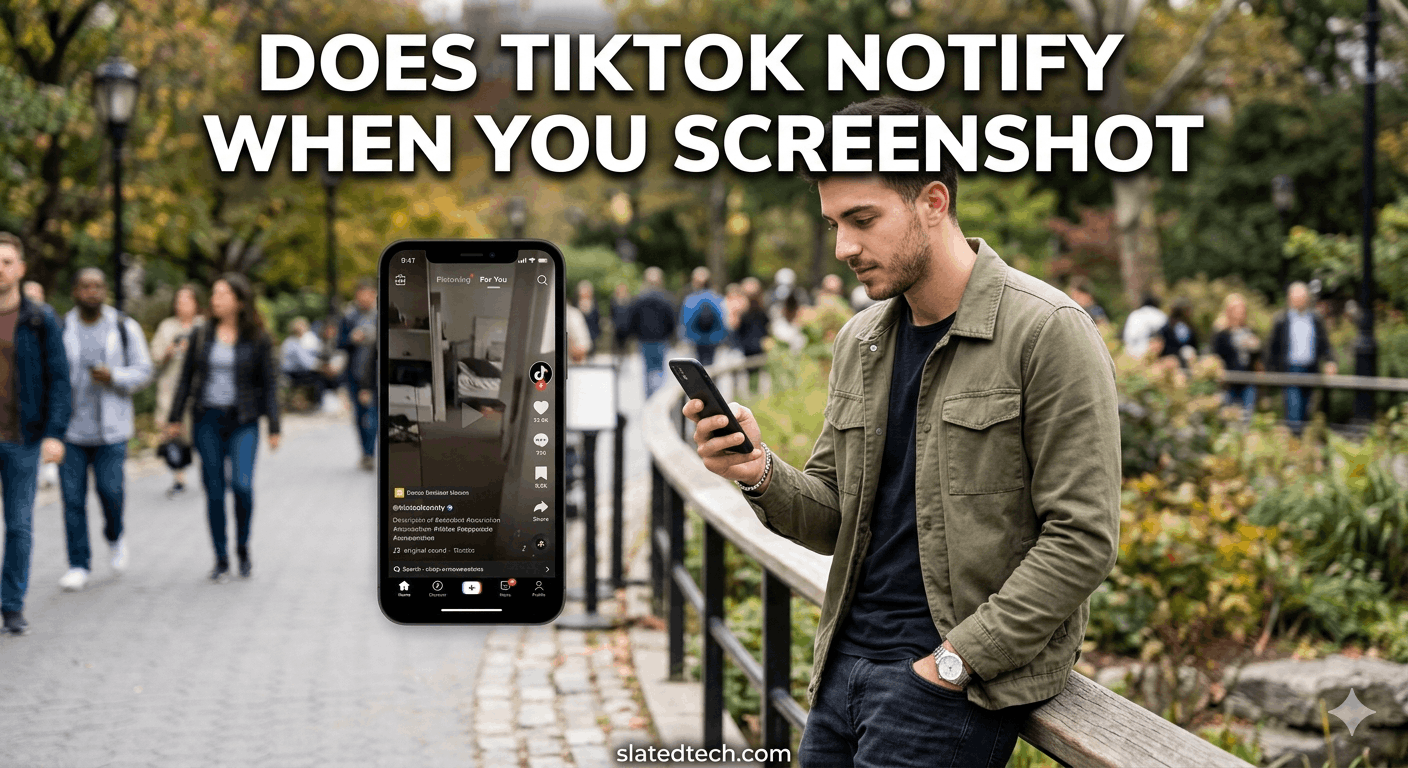
You’re scrolling. You see a video. You screenshot it. Can people see if you screenshot their TikTok?
No. The creator gets nothing. No notification, no view count bump, no alert of any kind. TikTok simply doesn’t have that feature baked in for standard feed videos.
Same goes for profile pages, comment sections, and bio screenshots. Total silence on their end.
TikTok DMs: slightly different story
This is where people get confused.
For regular DM text messages, TikTok doesn’t send a tiktok story screenshot notification either. But here’s the catch: voice messages are a gray area depending on your app version and region. Some users have reported notifications for voice message screenshots. Most haven’t.
The safest assumption? Treat DMs like you’d treat any private conversation. If you wouldn’t be comfortable with the other person knowing you screenshotted it, maybe don’t.
TikTok Live
No screenshot notification here either. You can screenshot a Live stream and the broadcaster won’t know. Thousands of people are watching anyway — it’s a public broadcast, not a private moment.
Screen recording: same deal
Screen recording a TikTok video? No notification goes out. The creator won’t know you did it.
Worth noting though — TikTok’s own watermark shows up on downloaded videos (the username + logo in the corner). That’s not a privacy measure, it’s just branding. You can screenshot or record around it, but the watermark will usually be in frame.
What TikTok actually does track
TikTok’s privacy practices are a different beast from its screenshot policy. The app collects a lot.
Device info, location data, browsing behavior, face and voice data in some regions, clipboard content (this one got them in trouble in 2020). The data collection is extensive and well-documented at this point.
So while creators can’t see if you screenshot their TikTok, TikTok the company absolutely knows you’re doing it. Your activity is tracked. That data feeds the algorithm. That’s the actual privacy concern here.
How to protect your own TikTok content
If you’re a creator and you don’t want people screenshotting your stuff, the honest answer is: you can’t stop it.
What you can do:
- Set your account to private. Limits your audience to approved followers only.
- Disable downloads. Go to Privacy > Downloads and toggle it off. This stops the official in-app download, but it doesn’t stop screen recordings or screenshots.
- Watermark your content. TikTok adds one automatically on downloads, but you can add your own within the video itself.
None of these are foolproof. If something’s on a screen, someone can capture it. That’s just how it works.
A note on third-party apps
Some third-party apps claim to tell you who’s screenshotting your TikToks. They’re scams. TikTok’s API doesn’t expose that data to outside developers. Any app making that promise is lying to get your login credentials or sell you a subscription for something that doesn’t work.
Don’t download them.
Also Read: Instagram Restrict Feature: Your Complete Guide
FAQs
Does TikTok send a tiktok story screenshot notification when I screenshot someone’s profile?
No. Screenshots of profiles, bios, follower lists — none of it triggers a notification. The user has no way of knowing.
Can people see if you screenshot their TikTok video in 2025?
Still no. TikTok hasn’t added this feature. Can people see if you screenshot their TikTok? The answer is no, and that hasn’t changed across recent app updates.
What about screenshotting TikTok DMs?
For text-based DMs, no notification is sent. Voice messages may behave differently depending on your app version, but most users see no notification there either.
Does TikTok notify screen recordings?
No. Screen recording a TikTok video doesn’t alert the creator. The app doesn’t detect or flag it.
Can TikTok itself see that I’m taking screenshots?
Probably yes, at the system level — TikTok collects extensive device and behavior data. But that information isn’t passed to individual creators. It feeds TikTok’s own data systems, not a notification to the person whose content you captured.
I heard TikTok added screenshot notifications — is that true?
As of 2025, this isn’t accurate for standard videos, Stories, or DMs. If TikTok ever does add this (Snapchat-style), it would be a major policy announcement. Until then, no tiktok story screenshot notification exists in the app.
The short version: screenshot freely. Just know that TikTok the company is watching everything, even if other users aren’t.
COMMENTS